Introduction
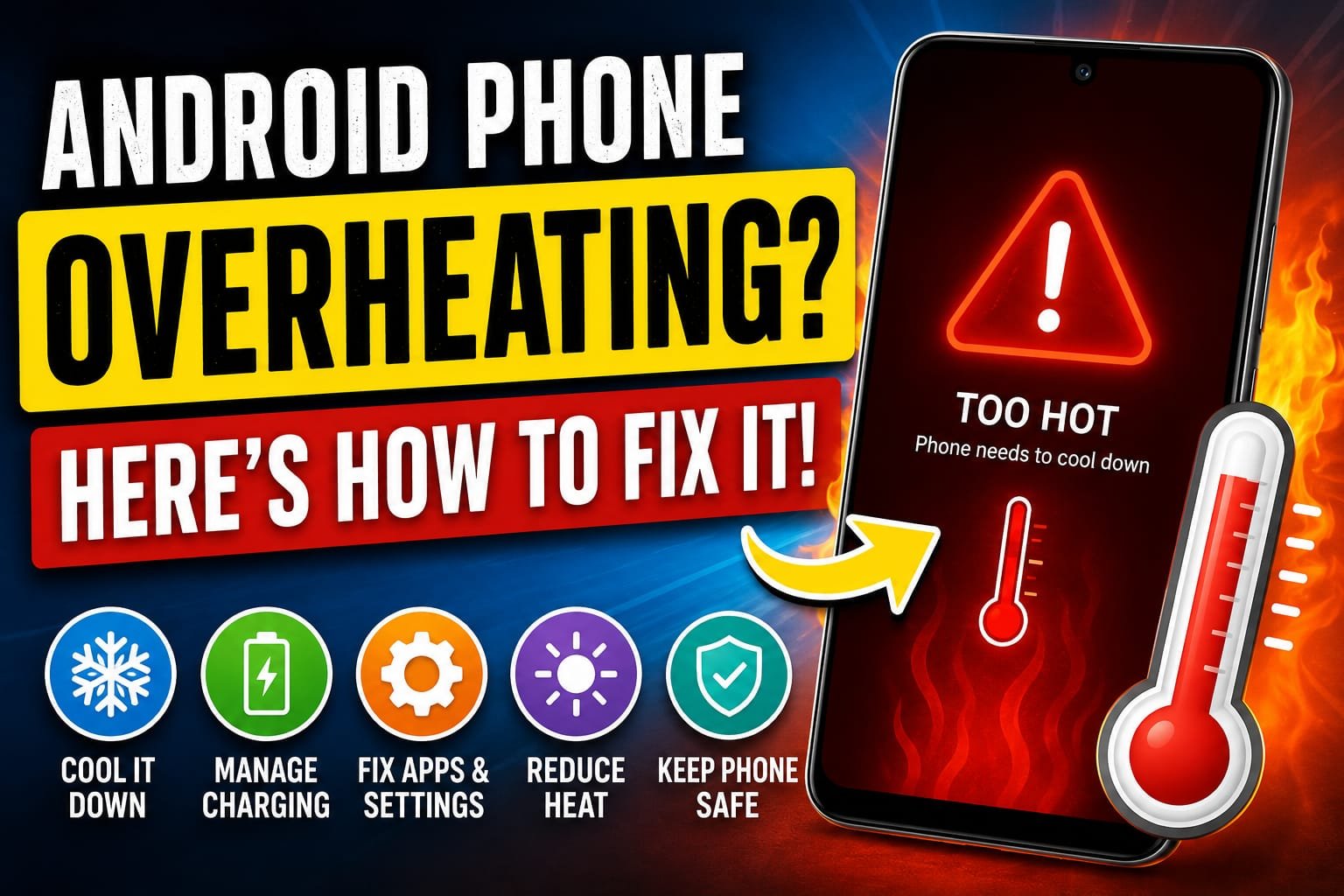
There is a moment of quiet worry that hits when you pick up your phone and realize it is hot. Not just warm, but properly hot, the kind of heat that makes you wonder if something is wrong. Maybe it happened while you were playing a game, or charging it overnight, or just scrolling on a summer afternoon. Whatever the cause, an overheating phone is unsettling, partly because it feels like a warning sign and partly because heat genuinely is bad for your device over time.
I have dealt with overheating phones more times than I can count, and over the years I have come to understand something reassuring. In the vast majority of cases, an overheating Android phone is not broken and is not about to fail. It is simply reacting to something, a demanding task, a hot environment, a charging issue, or a misbehaving app, and once you remove that cause, the heat goes away. Phones are actually designed to handle a fair amount of warmth, and they have built-in protections that kick in when things get too hot. The trick is knowing what is causing the heat so you can stop it.
So if your phone keeps getting hot and you are searching for a real fix for Android phone overheating, this guide is for you. I am going to walk you through the genuine causes of overheating and exactly what to do about each one, in plain language, starting with the simplest checks. None of this requires any special tools or technical skill, just a little understanding and a few small adjustments.
Why Does Your Android Phone Overheat
Before we jump to fixes, it really helps to understand what makes a phone heat up in the first place, because the cause points directly to the solution. At its core, a phone gets hot for the same reason any small machine does: it is working hard and generating heat faster than it can release it. The processor inside your phone produces heat whenever it is busy, and the harder it works, the warmer it gets.
Certain things push the processor especially hard. Demanding games, video recording, long video calls, and using the phone for hours without a break all generate real heat. Then there are external factors that trap or add heat, like direct sunlight, a hot car, or a thick case that stops warmth from escaping. Charging produces heat too, which is why phones often feel warm on the charger. And sometimes the cause is a software problem, like an app that has crashed or gotten stuck and is now running the processor flat out without you knowing. Each of these has its own fix, and once you can recognize which one is happening, solving it becomes straightforward.
Close Demanding Apps and Games
The most common cause of a hot phone is simply asking it to do too much at once. Heavy games with detailed graphics, video editing, and long streaming or recording sessions all work the processor hard, and sustained hard work means heat. If your phone got hot while you were doing something demanding, that is your answer, and the fix is to give it a break.
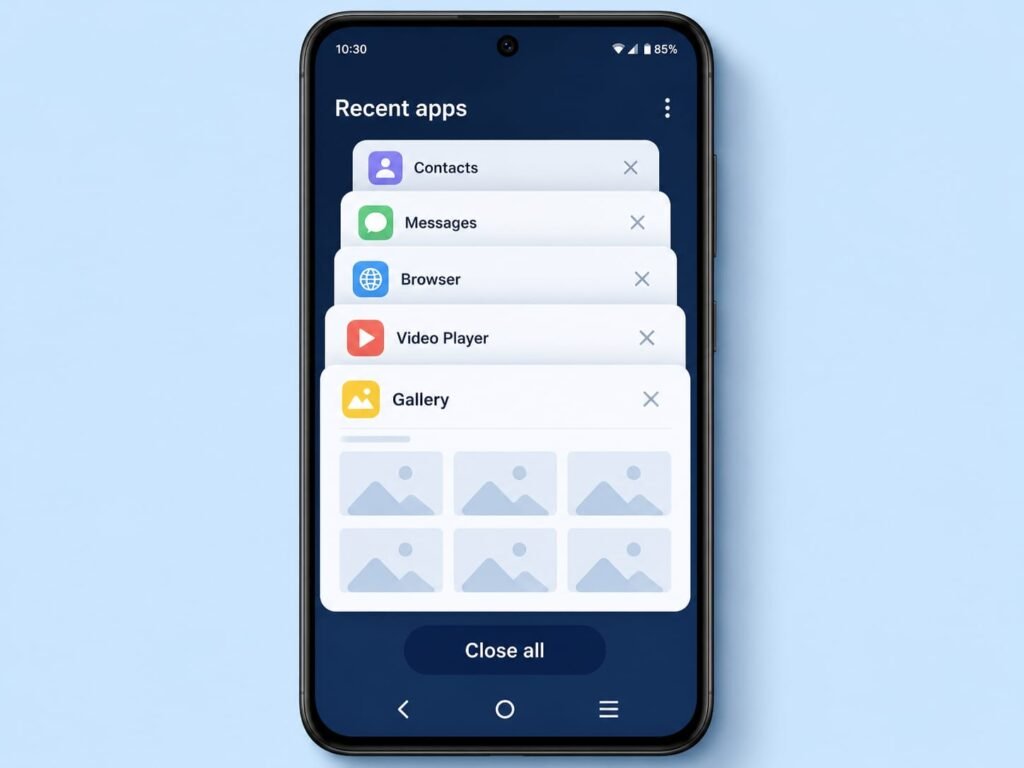
Close the demanding app and let the phone rest for a few minutes. You will usually feel it cool down fairly quickly once the heavy work stops. It is also worth checking whether you have a pile of apps left open in the background, because several apps running at once add to the load. Clearing out what you are not using lightens the burden on the processor.
If a particular game reliably turns your phone into a hand warmer every time you play, that is normal for very demanding games, but you can reduce the heat by lowering the game’s graphics settings, playing in shorter sessions, and giving the phone time to cool between rounds. Your phone is not faulty for getting warm during heavy gaming; it is simply doing a lot of work.
Keep Your Phone Out of Direct Heat
This one sounds obvious, yet it is behind a huge number of overheating complaints. Your phone is far more sensitive to its surroundings than most people realize. Leaving it in direct sunlight, on a car dashboard, near a stove, or in any hot enclosed space will heat it up quickly all on its own, no demanding task required.
The fix is simply to be mindful of where you put your phone. On a hot day, keep it out of the sun and out of parked cars, which can become dangerously hot inside. If your phone has already gotten hot from the environment, move it somewhere cool and shaded and let it recover. Resist the temptation to cool it down rapidly by putting it in a fridge or freezer, because that sudden temperature change can cause condensation inside the phone and do real damage. Gentle, natural cooling in a normal room is always the safe approach.
Take Off the Case While It Cools
A phone case protects your device, but it can also act like a blanket, trapping heat that the phone is trying to release. When your phone is running hot, especially during charging or heavy use, taking the case off can make a noticeable difference by letting the warmth escape more freely.
You do not need to ditch your case permanently. Just get into the habit of removing it when your phone is getting warm, then putting it back on once things have cooled down. This is particularly worth doing if you are charging the phone or running something demanding, since those are the times heat builds up most. Thick or insulating cases trap the most heat, so if your phone runs warm often, that is something to keep in mind.
Manage Charging Heat
Phones naturally warm up while charging, and a little warmth is completely normal. But if your phone gets very hot during charging, a few things are worth checking, because the way you charge has a real effect on temperature.
First, try not to use your phone heavily while it is charging, since gaming or streaming on the charger means the device is generating heat from both the charging and the heavy task at the same time. Charging on a hard, flat surface rather than on a bed or sofa also helps, because soft surfaces trap heat underneath. It is also wise to use a good quality charger and cable, ideally the one that came with your phone or a trusted equivalent, since cheap or damaged chargers can cause excess heat. And if you charge overnight, consider taking the case off and placing the phone somewhere with good airflow.
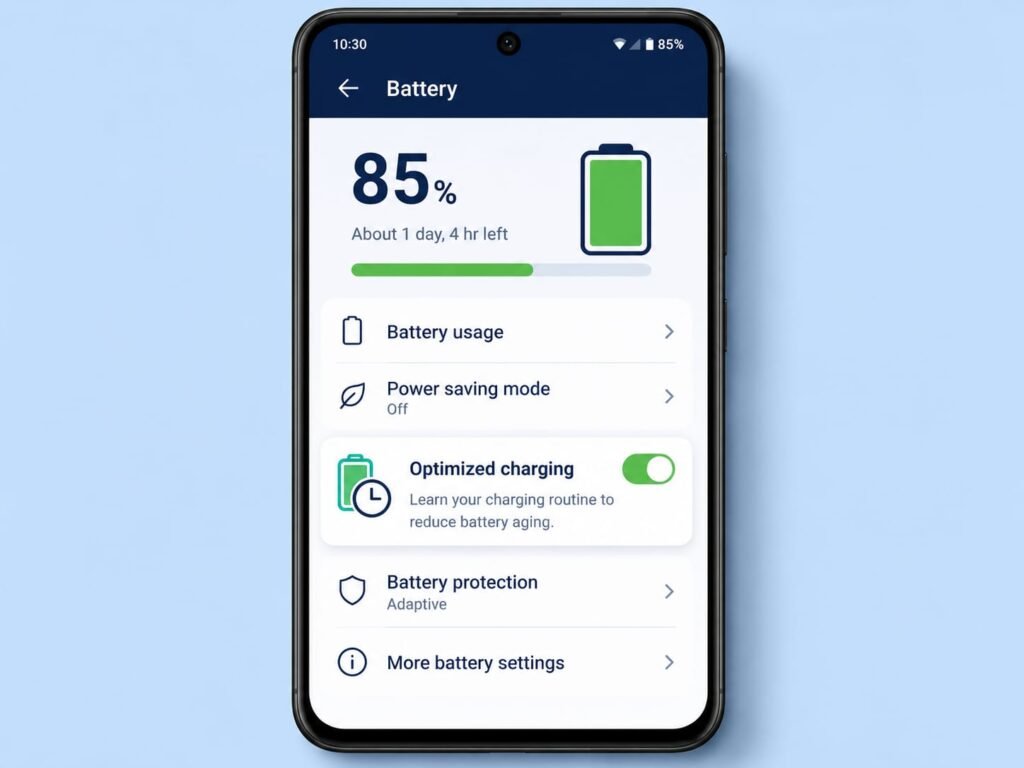
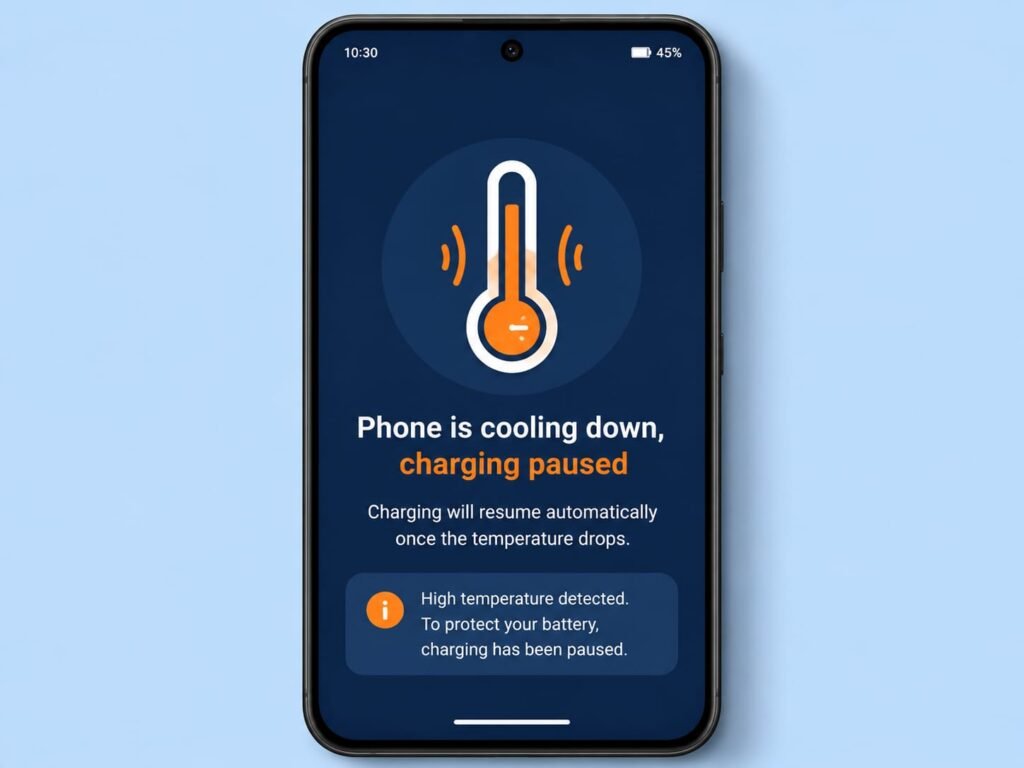
If your phone offers an optimized or adaptive charging feature, turning it on can help manage heat by charging more gently. Many phones also deliberately slow or pause charging when they detect high temperatures, which is a protective feature, not a fault, so do not be alarmed if you see a message about charging being paused to cool down.
Find and Fix Apps That Cause Overheating
Sometimes a phone overheats for no obvious reason, even when you are not doing anything demanding. When that happens, the cause is often a single misbehaving app that has gotten stuck and is quietly running the processor hard in the background. The good news is that your phone can help you find it.
Open your Settings and head to the Battery section, where you will find a list of which apps have used the most power. An app that is unexpectedly high on that list, especially one you have barely used, is a prime suspect for causing heat. Once you have identified it, try force stopping the app, then clearing its cache, and make sure it is updated to the latest version, since the problem may already be fixed in a newer release. If a particular app consistently makes your phone hot, uninstalling and reinstalling it often clears up whatever was going wrong.
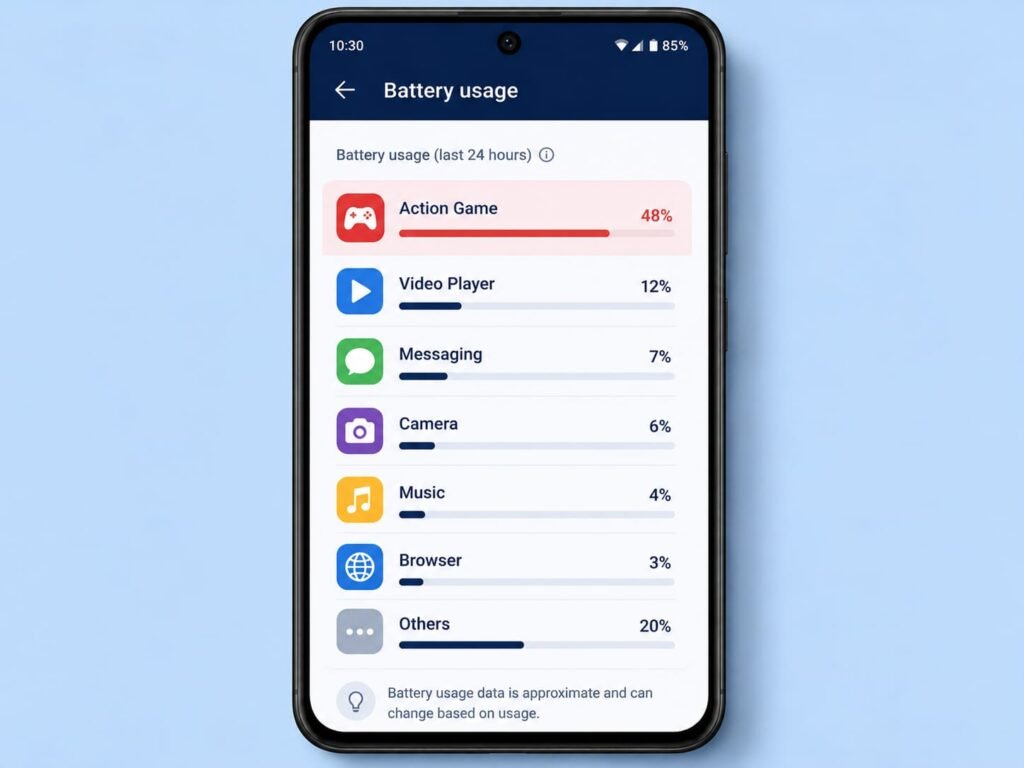
This kind of software-driven overheating is more common than people expect, and it is usually the easiest to fix once you trace it to the right app. If the heat began right after you installed or updated a specific app, that app is almost certainly your culprit.
Lower Screen Brightness and Reduce Load
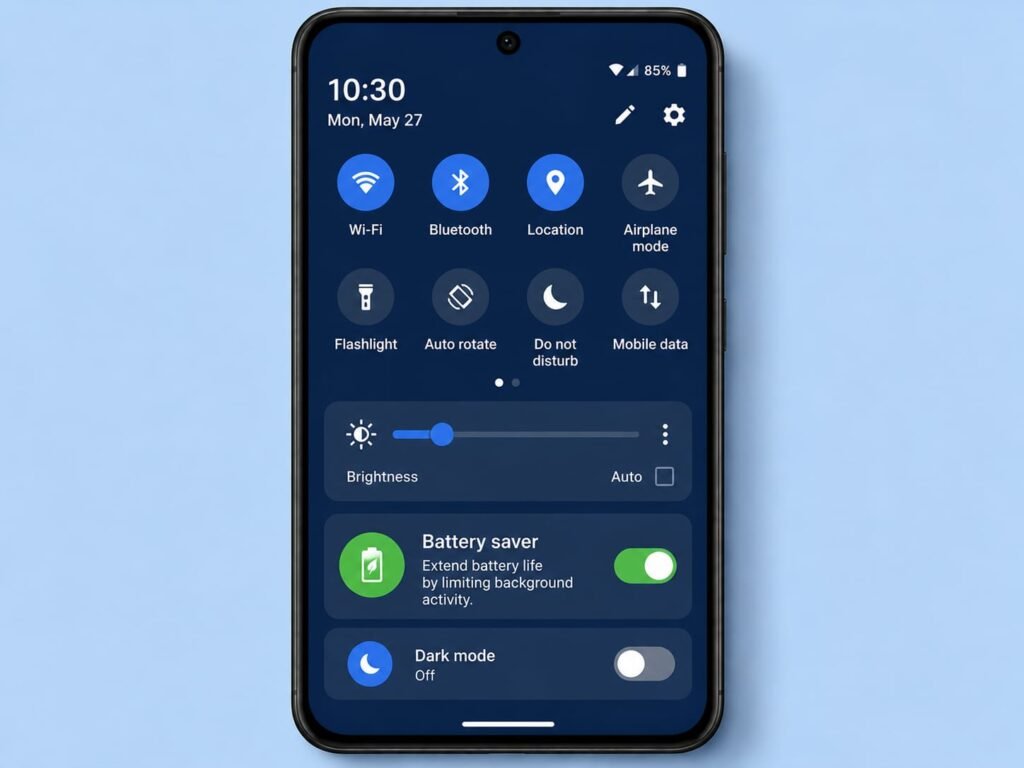
The screen is one of the hardest-working parts of your phone, and at full brightness it generates real heat, especially when combined with other demanding tasks. If your phone is running warm, turning the brightness down is a quick way to ease some of the load and help it cool.
Beyond brightness, anything that reduces how hard your phone is working will help bring the temperature down. Turning on battery saver mode reins in background activity and eases the strain on the processor. Switching off connections you are not using, like Bluetooth and mobile data when you are on Wi-Fi, also lightens the load a little. None of these are dramatic on their own, but together they reduce the overall effort your phone is putting in, which means less heat. Think of it as taking a few jobs off an overworked machine so it can catch its breath.
Keep Your Software Updated
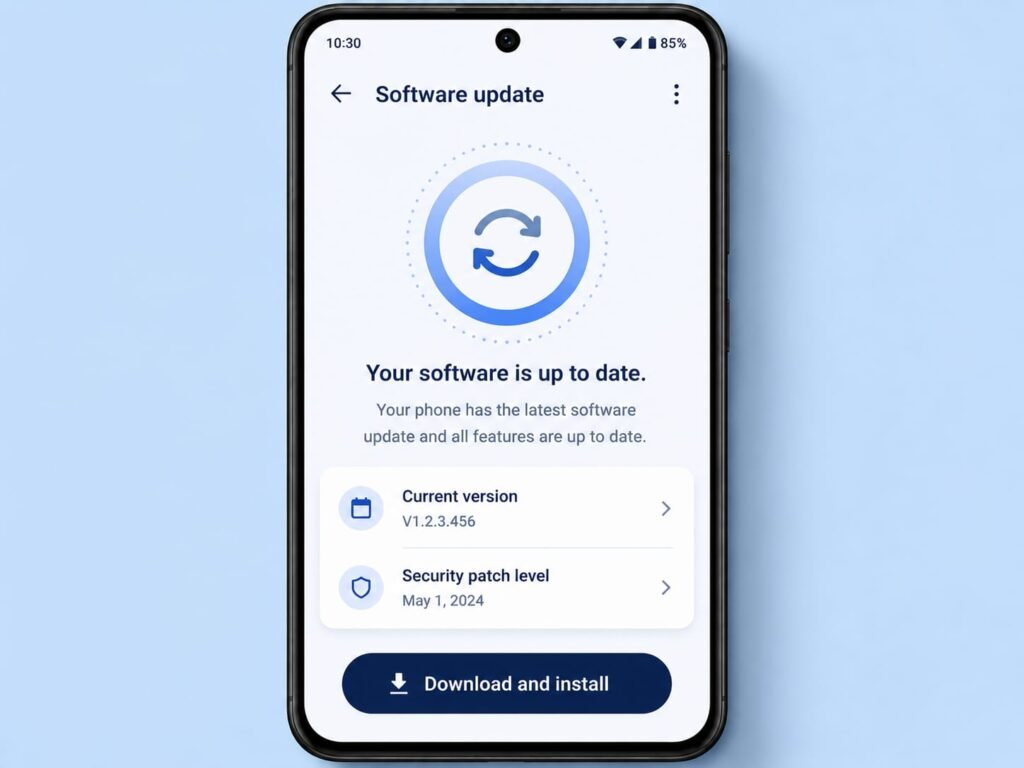
It is easy to overlook, but keeping your phone’s software and apps updated genuinely helps with overheating. Manufacturers and developers regularly release updates that fix bugs and improve how efficiently the phone and its apps run. An overheating problem caused by a software glitch is often quietly solved in an update, without you ever knowing exactly what was wrong.
Make a habit of checking your app store for pending app updates and your settings for any available system update. A phone running the latest, best-optimized software simply works more efficiently, generating less unnecessary heat. It is one of the easiest things you can do, since the hard work is handled for you and all you need to do is install what is offered.
When Overheating Might Be Something More Serious
Almost all overheating is harmless and easily fixed, but it is worth knowing the few signs that suggest a deeper issue, so you can act if needed. If your phone becomes extremely hot for no reason at all, even when idle and in a cool room, or if it shuts down repeatedly from heat, or if the battery has started to swell and push against the back or screen, those are signals worth taking seriously.
A swollen battery in particular should never be ignored, as it needs professional attention rather than a settings tweak. In cases like these, the safe move is to stop using the phone, avoid charging it, and take it to an authorized service center to have it checked by someone who can open it up safely. These situations are rare, and the everyday warmth most people experience is nothing like this, but it is always better to know the difference and stay on the safe side.
Conclusion
An overheating phone feels alarming, but as you have now seen, it is almost always your device simply responding to something you can identify and fix. In most cases the cause is straightforward: a demanding game, a hot environment, a heat-trapping case, a charging habit, or a single misbehaving app. Work through these one by one, starting by closing heavy apps and moving the phone somewhere cool, and you will resolve the great majority of overheating problems quickly.
The best approach is prevention through a few simple habits: keep your phone out of direct heat, give it breaks during heavy use, charge it sensibly in a cool spot, and keep your software updated. Do that, and overheating becomes a rare event rather than a daily worry. And while everyday warmth is completely normal, keep in the back of your mind those few serious signs, like a swollen battery or constant heat while idle, that mean it is time to see a professional. As always, menu names can differ slightly depending on your phone brand and Android version, so if a setting is worded a little differently on your device, look for the closest match and you will find it.
Frequently Asked Questions
Is it normal for my Android phone to get warm? Yes, a certain amount of warmth is completely normal, especially during gaming, video calls, charging, or use in hot weather. Phones are built to handle this. It is only worth worrying when the phone becomes extremely hot for no reason, shuts down from heat, or the battery swells.
Why does my phone get hot while charging? Charging naturally produces some heat, so mild warmth is normal. Excess heat usually comes from using the phone heavily while charging, charging on a soft surface that traps heat, a heat-trapping case, or a low-quality charger. Charging on a hard surface with the case off helps it stay cooler.
Should I put my hot phone in the fridge to cool it down? No, never do this. Rapid cooling can cause condensation to form inside the phone and damage it. Instead, move the phone to a cool, shaded place and let it cool down naturally at room temperature.
Can a single app cause my phone to overheat? Absolutely. An app that has crashed or gotten stuck can run the processor hard in the background and generate heat even when you are not using it. Check your battery usage list to spot it, then force stop it, clear its cache, and update or reinstall it.
When should I take an overheating phone to a repair shop? If your phone gets extremely hot while idle in a cool room, shuts down repeatedly due to heat, or the battery has started to swell and push against the case, stop using it and have it checked by an authorized service center. These signs point to a hardware issue that needs professional attention.