Introduction
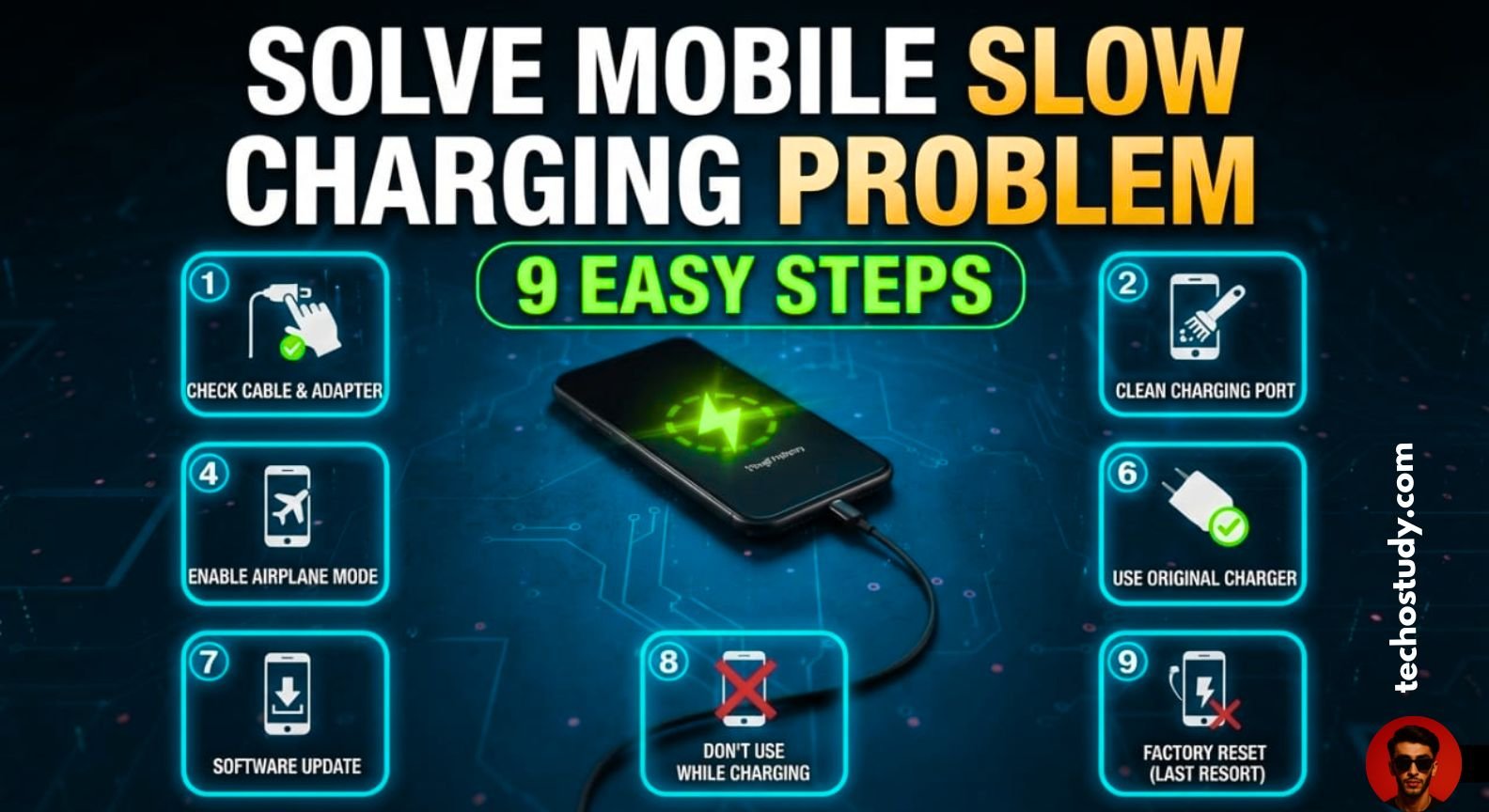
Nowadays, a common issue in many mobiles is that the charging speed of the mobile becomes slow or the mobile starts charging slowly and this happens in many people’s mobiles. Now there can be many reasons for this problem. In today’s article, I will tell you 19 such points which if you solve in your mobile, then this slow charging issue of your mobile will be solved. Slow charging is a very common issue and due to this, mobile users have to face many problems. Where if your mobile charges fast, then in an hour if it gets completely charged, then there is slow charging and even after two or three hours the mobile does not get fully charged and this is a very common problem for mobile users, but you can solve it easily in 9 easy steps.
Check Your charging Adaptor and Charging Cable
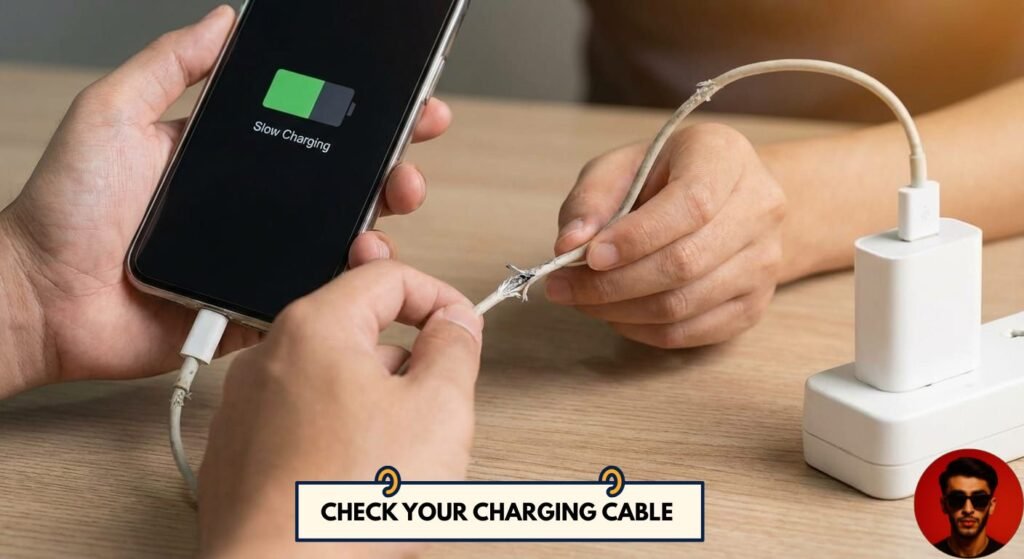
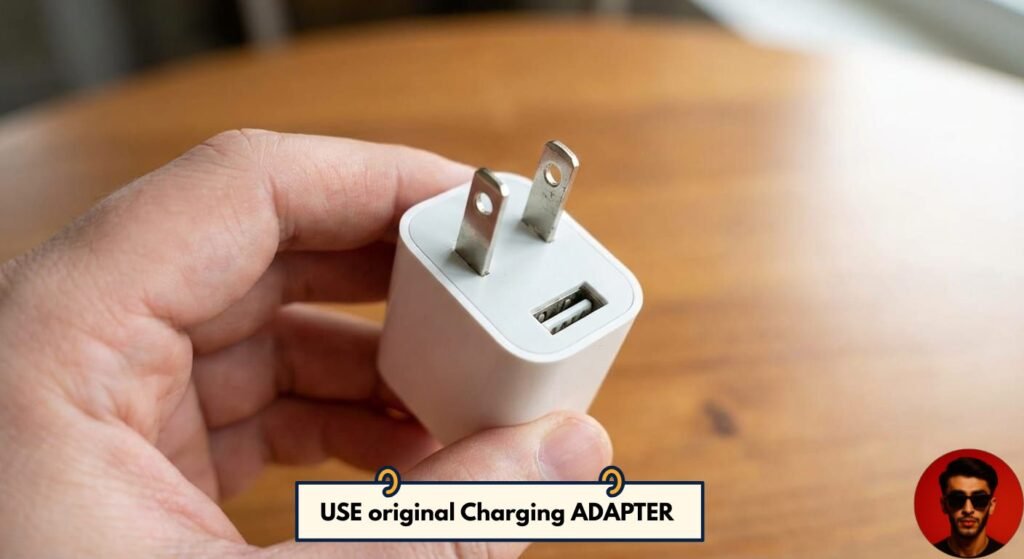
First of all, you have to check the adapter and charging cable of your mobile with which you change your mobile. If the adapter of your mobile is not good or of low voltage, then your mobile starts charging slowly. So, you should always charge the mobile with its own adapter. But if its own adapter is damaged, then you should use an adapter from the same company or a good company.
Use Original charging Cable
Similarly, you should use the original cable with your mobile. But if the cable of your mobile is damaged, then you should use a good cable from a good company or the same company. If both the adapter and the cable are changed, then even then the mobile starts charging slowly.
How to check Charging Cable and Adaptor
Now, if the adapter of your mobile is damaged or the cable is damaged, you can check it very easily whether the cable of your mobile is damaged or the adapter is damaged. For this, you can use an app in your mobile App called Ampere Flow. Open it and check the status of your mobile. If your mobile is getting 1000 plus amperes in Micro USB then your charging speed is fine and if it has a Type C jack then if your mobile is getting 1800 to 2000 plus voltages then your mobile’s charging cable and adapter are fine.
If the voltages are low then you can check by connecting the same charger to another mobile if the voltages are getting fine on it then it means there is an issue in the charging port of your mobile.
Clean Mobile Charging Port
Now the second step is if your mobile charger is fine and its voltages are fine on another mobile and the voltages on your mobile are low then in the second step you have to clean the charging port of your mobile sometimes the gun goes in the charging port of your mobile due to which your mobile starts charging slowly and mostly in Type C jacks this is a common issue that whenever the gun goes in the Type C port then due to this the mobile starts charging slowly and you can clean the charging port of your mobile in a very easy way.
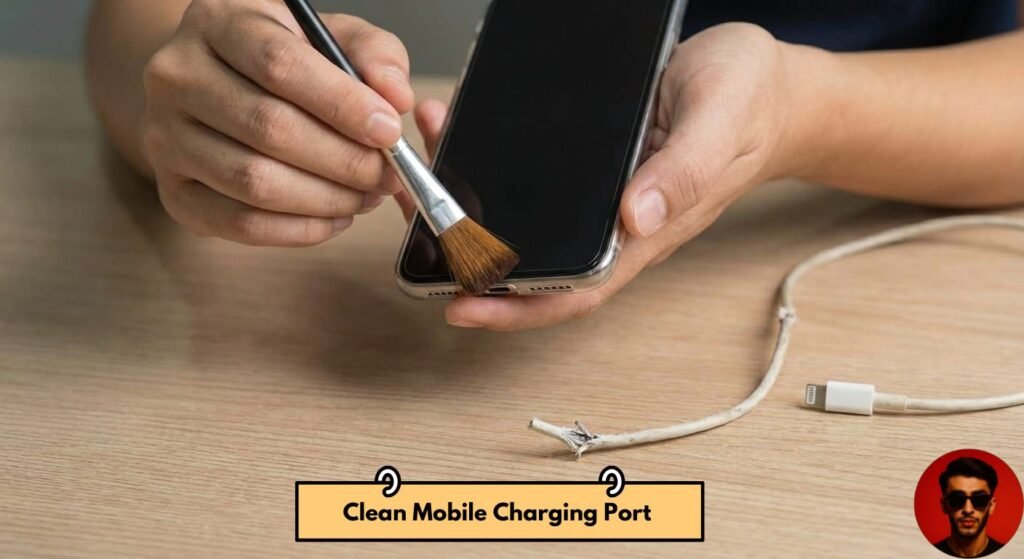
How to carefully clean charging port
For this you have to take a toothpick and with it you can clean the charging leg of your mobile gently or you can use a soft brush but if you are a beginner then you should not use any needle etc. because it can damage the points of your jack due to which if your mobile was charging slowly then it will stop charging due to damage. If you have to replace the jack, carefully clean the charging port of your mobile with a soft brush or toothpick. After cleaning, the issue of slow charging in most mobiles gets resolved.
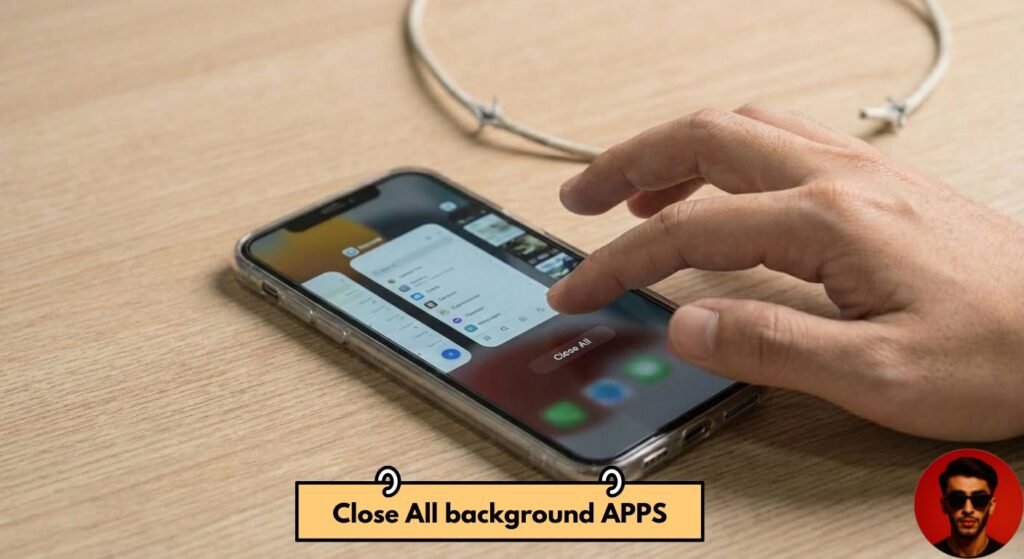
Close Background apps
If even after doing this process, the charging speed of your mobile is slow, then in the third step, you have to close all the background applications running on your mobile. Sometimes our mobile is turned off, but many applications are running in the background, due to which the battery of our mobile is being consumed. And even when charging, battery consumption is also happening at the same time, due to which the charging speed of our mobile is reduced. So, you can go to the settings of your mobile and go to the battery optimization option and close the background application, after which the charging speed of your mobile is enhanced.
Enable Airplane Mode while charging
Now, when charging, if you put your mobile in airplane mode, then all the background activities of your mobile are also stopped and the network activities of your mobile are closed. Now, network activities consume the most charging in the mobile, so when you close the network activities while charging, the charging of your mobile becomes 30 to 40 percent faster. And if you want to charge your mobile in a hurry, then you can put your mobile in airplane mode, after which your mobile will charge 30 to 40 percent faster.
Avoid Use Of mobile while Charging
Now, we should avoid using our mobile while charging because when we use our mobile, our mobile gets hot due to which the battery gets hot and the charging process becomes slow. If the battery gets hot, the current flow gets slow due to which the charging of our mobile gets slow. Therefore, we should avoid using the mobile while charging the mobile. Sometimes, in the summer season, our mobile automatically gets hot while using it. The temperature of the mobile is quite high. In this case, the mobile should never be directly charged at the same temperature because it has a very bad effect on our battery and in some cases, the battery also explodes. So, if your mobile is at a high temperature in the summer season, first of all, keep it for some time and then charge it at a normal temperature. After that, the mobile should be charged.
Check and close Battery draining apps
Now there are some applications that drain our mobile battery the most, such as Facebook, TikTok, Snapchat, etc. which are running their services continuously in the background and consume a lot of our mobile battery. Even in the background, if you close these applications, the charging speed of your mobile may increase because these applications are still heavy applications. You can see these applications by going to the settings of your mobile and going to the battery usage option. You have to close the background process of whichever application is consuming the most battery of your mobile. The issue of slow charging of your mobile can also be solved from here.
Disable and reenable the Fast-charging Option
Now sometimes our mobiles have a fast-charging option and sometimes this option gets glitched due to which our mobile does not go to fast charging. So once disable this option of your mobile and re-enable it. If this option of your mobile is glitched, then it will be fixed after re-enabling it. Because sometimes there are bugs etc. in the mobile due to which this option gets disabled. So, after disabling it and re-enabling it, the issue of your fast charging, if it is happening due to this reason, can be solved. And after doing this, if you restart your mobile, then the settings of your mobile will also be restarted due to which this option will be set automatically.
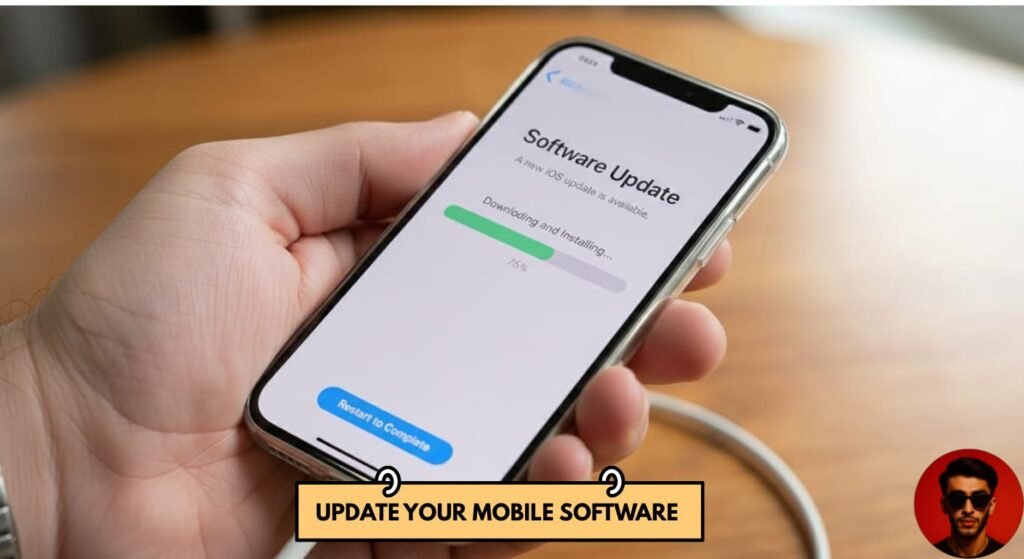
Update mobile software
Sometimes our mobile software is about to be updated due to which our mobile gets a glitch that our mobile starts charging slowly. If you update the software of your mobile, then even after that this problem of your mobile can be solved. And the problem of your mobile which was charging slowly can be solved. And it often happens that when the software is updated in a mobile, some glitches are created in that mobile. So, to eliminate these glitches, you should update the software of your mobile, after which all the glitches of your mobile will be solved.
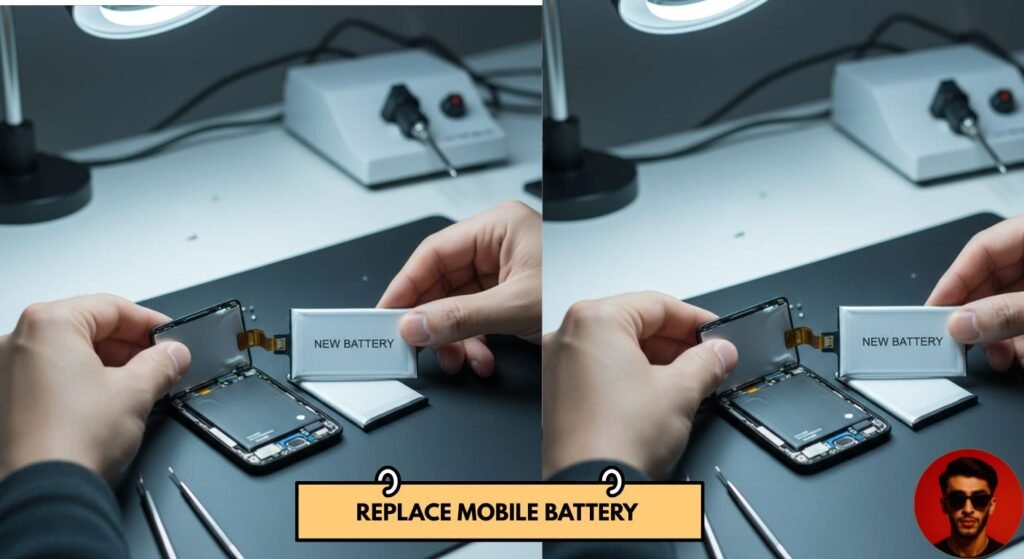
Replace the Old battery with new battery Of Mobile
If your mobile is three to four years old, then it is obvious that after using the mobile for such a long time, the battery of your mobile must have degraded. Its health must have decreased a lot. And if even after doing all the processes mentioned above, the charging speed of your mobile is still the same, then you should replace the battery of your mobile because sometimes the health of our mobile battery decreases due to the old mobile, due to which the charging speed of the mobile is not affected after doing all the settings. In this case, replacing the mobile battery is the only option left. So, by replacing the mobile battery, the issue of slow charging in your mobile will be solved.
Final Words
If your mobile is having slow charging issue, then after doing these 9 settings, your mobile will charge 2X faster and your mobile’s battery life will also increase and your mobile’s battery will last for a long time. After doing these 9 steps, did your mobile’s slow charging issue get resolved? Please tell me in the comments. Thank you.
Peoples Also Ask
How do I fix the slow charging?
If your mobile has started charging slowly, then above I have shared 9 points by which you can solve the issue of slow charging of your mobile.
- Check your charging adapter and cable
- Clean the charging port of your mobile
- Close background running apps
- Turn on airplane mode while charging
- Do not use your mobile while charging
- Do not charge your mobile in high temperature
- Update the mobile software
- Replace the old battery of your mobile with a new battery
- Disable and re-enable the fast charging option
How can I increase my mobile charging speed?
If your mobile supports fast charging, then your mobile will automatically charge fast when you connect the original charger. But if your mobile used to charge fast earlier and later stopped charging fast, then there may be some issue in your mobile and by using the 9 points mentioned above, you can solve this issue of your mobile and increase the charging speed of your mobile.
How to clean a charging port?
To clean the charging port, you can use any toothpick or a soft brush and gently and carefully clean the charging port of your mobile from the inside and remove its Dirt.
Can I use a toothpick to clean a USB-C port?
Using toothpick to clean the Type C check is a better option, but caution is needed in this too because using the toothpick too forcefully can break the toothpick, which can cause more problems if the broken part remains inside the jack.
What are signs of a dirty USB-C port?
If your USB port is dirty, the major sign is that the charging speed of your mobile will decrease and the cable of your mobile will become loose. The cable will remain loose while charging the mobile.