
Introduction
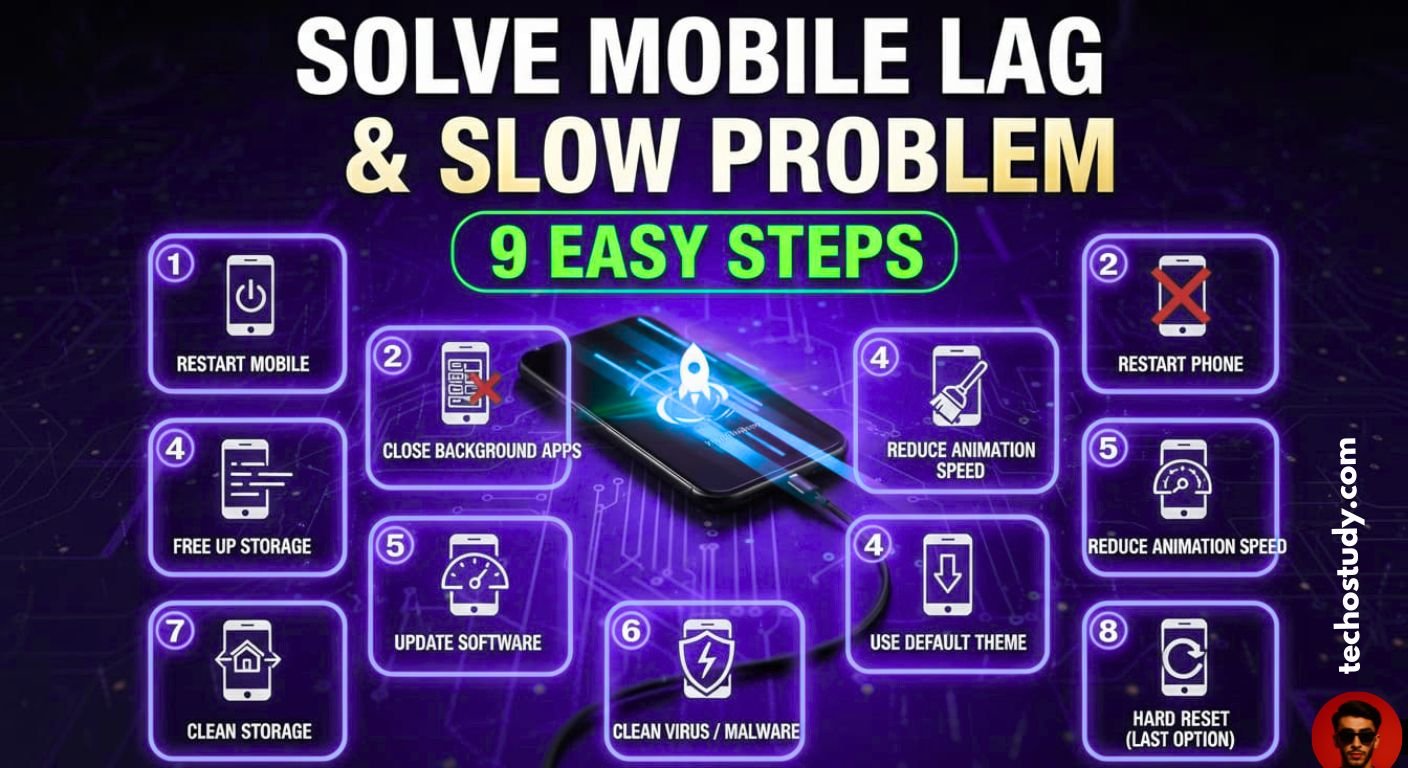
Nowadays, a common issue is seen in many mobiles that the mobile starts to hang or slow down a lot. Now this is a common issue. If your mobile is old, that is, you have a mobile that is six to seven years old, then if it hangs, it can be a natural process because the mobile software is old and the mobile has started to slow down. But if you have a new mobile and it is hanging or slow down, then there can be many reasons due to which your mobile is slow or hanging. In today’s article, I am going to discuss all these reasons in detail and I am going to tell you in full detail how you can solve the slow hanging problem of your mobile. Now there can be many reasons for the mobile to hang or slow down, some of which can be if the storage of your mobile is full or if your mobile has a virus or if you use heavy apps in your mobile which are affecting the performance of your mobile. If the software is not compatible or if your mobile is having heating issues then your mobile may be slow. I have discussed all the other reasons in full detail below.

Reasons why mobile hangs or slows down and how to solve them
Now, a mobile phone can become slow or hang due to many reasons, many of which I have discussed in the article below.
If Mobile Storage s full
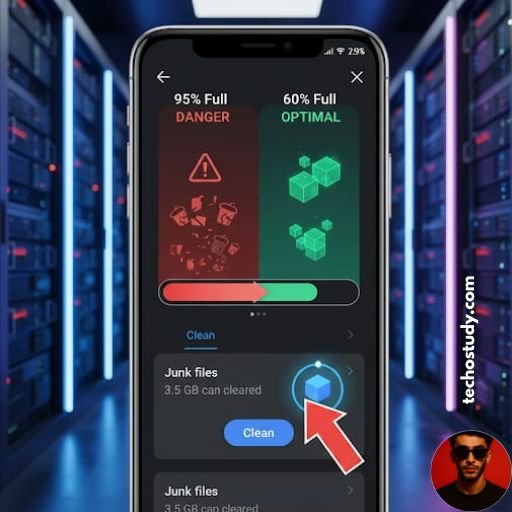
First of all, the biggest reason for your mobile to hang or slow is that your mobile storage is full. Now if your mobile storage is full, then your mobile will definitely hang or slow. You should never fill your mobile storage more than 90 percent. It should always remain below 90 percent because whenever the mobile storage is full, the mobile does not get any space to process. So, whenever you perform any process on your mobile, your mobile will be slow or hang. Therefore, whenever your mobile storage is full, you must clean it so that this hanging problem of your mobile can be solved.
How to clean mobile storage
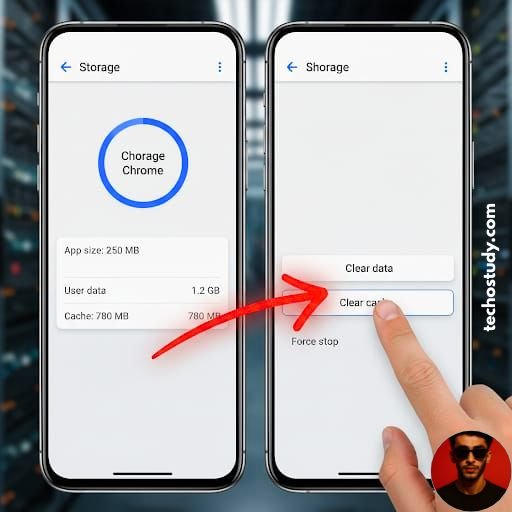
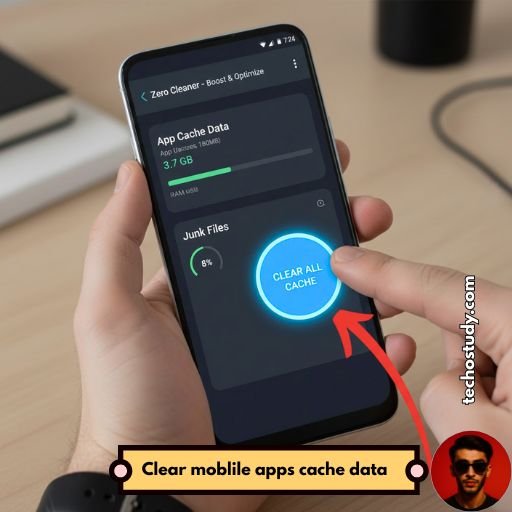
Now, there can be many ways to clean the mobile storage. For example, you can fill the mobile storage by deleting the large applications or big files of your mobile. You can also clean the cache data of the applications and free up the storage of your mobile. You can clean it. Now cleaning the cache data of each application becomes a long process for which you can use Zero Cleaner application. Now this is an application that after giving permission, it will automatically open all the applications in your mobile and clean their data. After a few seconds, it will clean the cache data of all the applications in your mobile, after which 10 to 12 GB of storage of your mobile will be cleaned. This is an easy process to clean the storage of your mobile.
Some Additional tips
In addition, you can also clean the storage of your mobile by deleting the duplicate images or files that have been created in your mobile, such as two clones of the same picture or video in your mobile. Apart from this, you can also clean the storage of your mobile by uploading the pictures of your mobile to Google Photos and deleting them from the gallery of your mobile. You can clean your mobile’s storage and there are many such tools that you can use to clean your mobile’s storage.
Restart your Mobile
Now if your mobile is hanging then restart your mobile once because sometimes in our mobile many apps etc. run on background which has a very bad effect on our RAM and ROM due to which our mobile starts to slow or hang then after restarting all the background apps of your mobile are closed then your mobile stops being slow or hanging or sometimes instead of slow problem our mobile is having touch issue then whenever you restart your mobile then if your mobile is slow due to this reason then it will be solved because restarting all the software of the mobile like I have Infinix mobile and my mobile was having touch issue and I felt that my mobile is slow or hanging so I restarted once then this problem of my mobile got solved.
Close all Background Running Apps
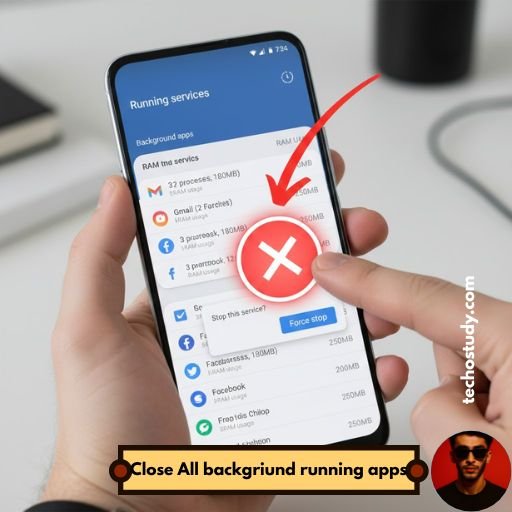
Now, background applications can also play a big role in the problem of slowness or lagging of the mobile. Now there are many such applications that are running on our mobile in the background. After using the applications, the user directly presses the home button and turns off the mobile screen, but those applications continue to run in the background, due to which the problem of slowness or lagging of the mobile starts later. You can turn off their background activities, after which the problem of slowness in your mobile becomes smooth.
Clean all apps Cache Data
Now, the more applications you have running, the more cache data there will be for these applications. Now, if you keep cleaning the cache data of all the applications of your mobile at the same time, then the storage of your mobile will not be full and neither will your mobile be slow. But due to the presence of many applications in the mobile, it becomes a little difficult to clean the cache data of all the applications and due to this, the applications keep filling the cache data in the mobile, due to which all those extra files are created and our mobile becomes slow. For this, in the heading above, I have told you in detail about the Zero Cleaner application, how you can easily clean the cache data of any app using this application, after which the slow problem in your mobile gets solved to a great extent.
Reduce Animation speed of mobile
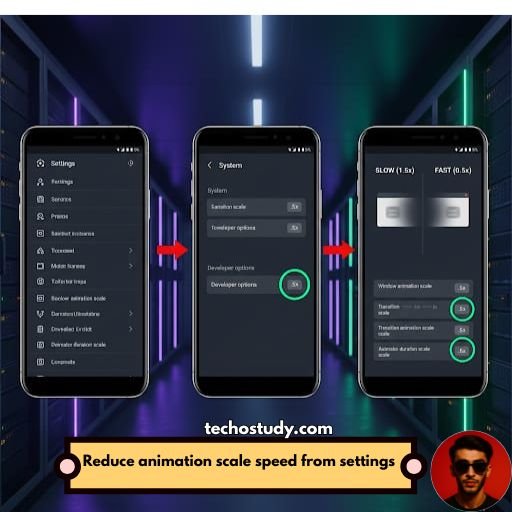
Now, if you reduce the animation speed of your mobile, then even then the slow problem in your mobile will be solved. Now this is a hidden setting of Android, which many people do not know. For this, you first have to open the settings of your mobile, go to About Phone, click on the build number seven times, a new option of Developer Options will be enabled in front of you. In the settings, you have to click on it. Below, you will find the option called Animation Scales. There, you will find three boxes like this. Now select these three and set it to 0.5X. Your mobile will start running smoothly and the speed of your mobile will increase to a great extent.
Update your Mobile Software
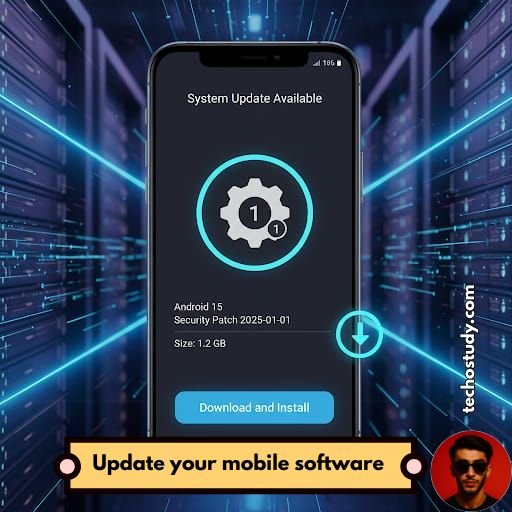
Now if your mobile suddenly started running slowly or suddenly started having hang problems, then one of the main reasons for this could be that your mobile’s software is about to be updated. Now it often happens that a software update comes to our mobile and we do not update its software due to which our mobile starts running slowly. So, you should definitely update your mobile’s software. As soon as the mobile’s software update comes up, update your mobile’s software at the same time, after which the slow problem in your mobile will be solved. And many bugs and glitches that come in the mobile come before the software update. If you update the software, then many problems that occur in your mobile will be solved.
Use Default Theme and launcher
Now many people use heavy themes, heavy launchers, etc. in their mobiles, which slow down your mobile a lot. Now in the past there was a trend in which people were using iPhone launchers on their mobiles, which converted your mobile’s apps, etc. into iPhone launchers. Now they are very heavy launchers, due to which people’s mobiles started hanging. So, you should always use the default lightweight launcher of your mobile, which helps your mobile to run smoothly and if your mobile does not have any hanging or slow problem, then you should always use the default launcher of your mobile.

Clean Virus and malware From Mobile
Now it happens twice that our mobile gets a virus or malware which plays a very significant role in slowing down and hanging our mobile. Now there are many applications to check for viruses and remove viruses, among which the best applications are AVG Anti-Virus and Avast Anti-Virus, which you can keep in your mobile. After scanning, it will tell you that this application is creating a virus and you can remove the virus from your mobile by deleting this application. If the virus plays a very significant role in slowing down or hanging your mobile.

Last Option is Hard Reset the Mobile
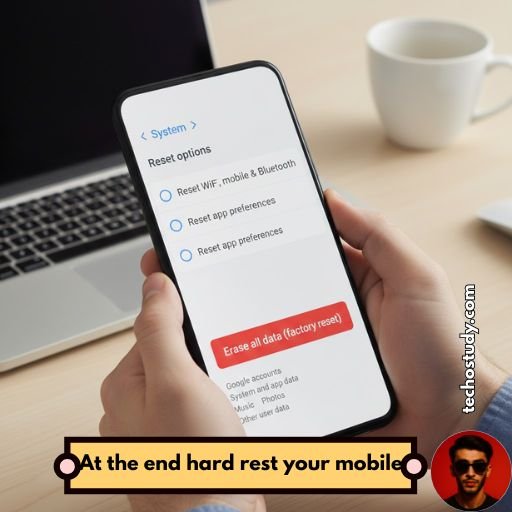
Now even after doing all these processes, if the slow and hang problem is not getting solved in your mobile, then the last option is to factory reset. If you hard reset your mobile, then this slow problem in your mobile will be solved because sometimes the virus in our mobile has become so much that no matter what process we perform, the mobile is still slow in our mobile. So, if even after doing all the settings in your mobile, the slow and hang problem of the mobile is not getting solved, then the last option is to hard reset your mobile, after which this slow problem of your mobile will be solved.
Keeps your mobile temperature down
If your mobile is getting too hot then this can be a big reason why your mobile will start getting slow but this is temporary slow. When your mobile gets too hot then your mobile will also get slow but when the temperature of your mobile is normal then the speed of your mobile will become normal so protect your mobile from getting too hot keep its temperature normal always.
Don’t Use Too Many Antivirus and Cleaning apps
Now many people keep many antivirus and cleaner applications in their mobiles which also slow down their mobiles. Now not every application gives benefits to your mobile. You should use only trusted and verified applications as a cleaner and antivirus in your mobile. Keeping every application in your mobile that it will clean your mobile or protect your mobile from viruses is also a bad process. It plays a very prominent role in slowing down your mobile and making your mobile hang. You can keep one or two applications that are verified in your mobile for antivirus or to clean your mobile.
Use only new Model SD Cards
Now many people use old SD cards in their mobiles and viruses get into the SD card very quickly, so you should use a new version of the SD card in your mobile instead of the old one, because old version of the SD card also slows down your mobile and also leaves viruses in your mobile. For example, my mobile was having a hang problem, so when I removed the SD card from my mobile, the speed of my mobile doubled, meaning I found out that there was a virus in the SD card of my mobile, due to which my mobile was getting hanged or slow.
Final Words
If your mobile is getting very slow, your mobile is getting hang up a lot, you are having a lot of trouble using it, then in today’s article I have shared with you many such points that can solve the slow problem in your mobile. And if you follow all these steps, then the slow problem in your mobile can be solved completely. Along with all these tips, I have also shared some of the best tips in which I have told you what things you can avoid to prevent your mobile from getting slow or hang and if your mobile is now hanging or slow, then how can you solve this problem? After reading all of this article if you have any other question related to this article feel free to ask in the comment section.
Peoples also ask
Why is my phone suddenly slow and freezing?
If your mobile has suddenly started to slow down or freeze, then this could be the main reason. Either the storage of your mobile is full or your mobile has got a virus. Then you can go to the files section of your mobile and check the history of your mobile. If the storage is full, then after cleaning it, this problem will be solved. If the storage is not full, then your mobile has got a virus. Then you can use different antivirus applications to remove the virus from your mobile and solve this problem.
How do I clean up my phone to make it run faster?
To make your mobile run faster, if you want to clean your mobile, first delete all the unnecessary applications in your mobile. Delete all the unnecessary pictures or videos in your mobile. Clean the cache data of the applications you use. And by doing all these processes, you can clean your mobile and make your mobile run faster.
What is the main reason for mobile hanging?
The main reasons for the mobile to hang are that the storage of your mobile is full or sometimes a virus gets into your mobile. Apart from this, if the temperature of your mobile is very high, then your mobile can become slow or hang. If you have not updated the software of your mobile, then even then the mobile can become slow or hang. Or if some applications are running in the background on your mobile, then even then your mobile can become slow. All these can be the reasons for the mobile to hang very slowly.
How do I clean my phone RAM?
If the RAM of your mobile is full, then to clean it, you will have to Uninstall games or applications of your mobile because pictures or videos are not mostly related to RAM, but the applications that are running in your mobile are related to your RAM. So if you have, then you can clean the RAM of your mobile.
How do I update my phone?
If you want to update your mobile, then go to your mobile’s settings, go to About Phone and click on the Software Update option. If you find the update option there, then click on it and update your mobile software from there.. If you do not find the update option there, then it means that your mobile is not running on the latest update.