
Introduction
Many people ask this question on the Internet that how can they turn off the internet of a particular application? Now there can be many reasons for turning off the internet of any particular application in the mobile, such as if that application is consuming data in the background, then its internet can also be turned off for this reason. The internet of an app can also be turned off to avoid distractions. There are many such reasons that I am going to discuss in this article and in today’s article, I am going to tell you the full process of how you can turn off the internet of any application in your Android mobile. And there are some mobile companies that have options in their settings to turn off the internet, from where you can turn off the internet of any particular application. And by turning off the internet of any application in this way, it will mean that until you open this application, that application will not consume the internet in your mobile, nor will it use the internet of your mobile in the background. For example, if you turn off the internet of WhatsApp, then until you open WhatsApp, you will neither receive any message nor send any message. But when you open WhatsApp, your WhatsApp will consume your internet to send and receive messages. This same process can be done with every application.
Why You might block the internet of some particular App
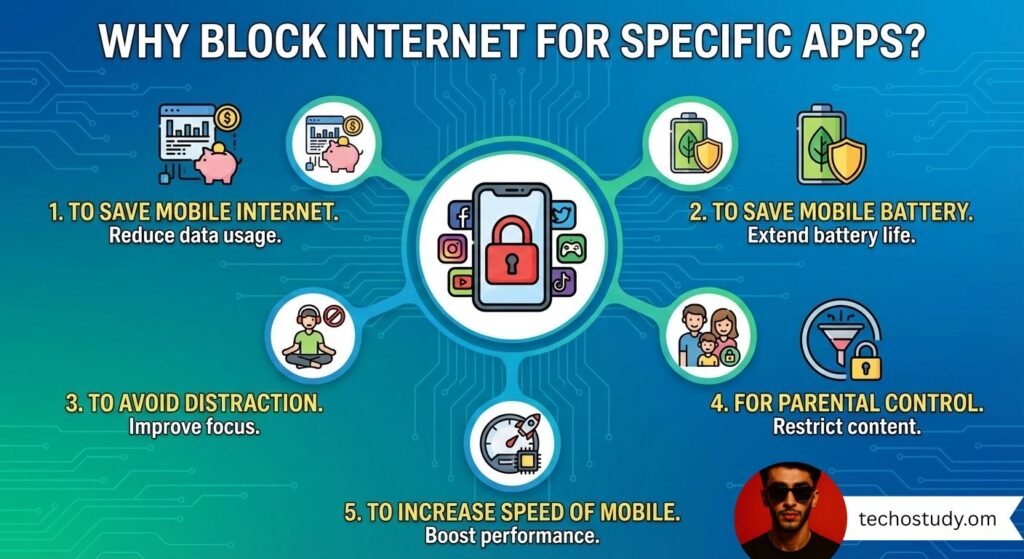
Now what could be the reasons for blocking the internet of any app? Now there can be many such reasons for this, such as saving mobile data, preventing battery from draining, avoiding distractions, or increasing the speed of your mobile, and sometimes for parental control. Parents can make these settings on their children’s mobiles.
To Save Mobile Internet
Now if you want to save your mobile’s internet, you can close the internet of these applications in the background which consume a lot of internets without even using them.
To save mobile battery
If your battery drains too quickly, you can close the internet for the applications that use the most internet in the background so that those applications do not drain your mobile battery.
To Avoid Distractions
Sometimes we are doing something where we need to avoid distractions, such as when we are studying, we can turn off the internet of applications to avoid distractions so that we can avoid distractions.
To increase the speed of mobile data
If you want to increase the speed of your mobile or you want to increase the mobile data speed of your mobile on another app, then you can close the mobile data of the remaining applications so that their speed is also converted to one of your third-party applications.
For Parental Control
Sometimes parents monitor their children’s mobile phones to prevent them from playing too many games. For this, they close the internet access of a particular application, which allows their children to get involved in more online games.
Method No 1 For Any Android
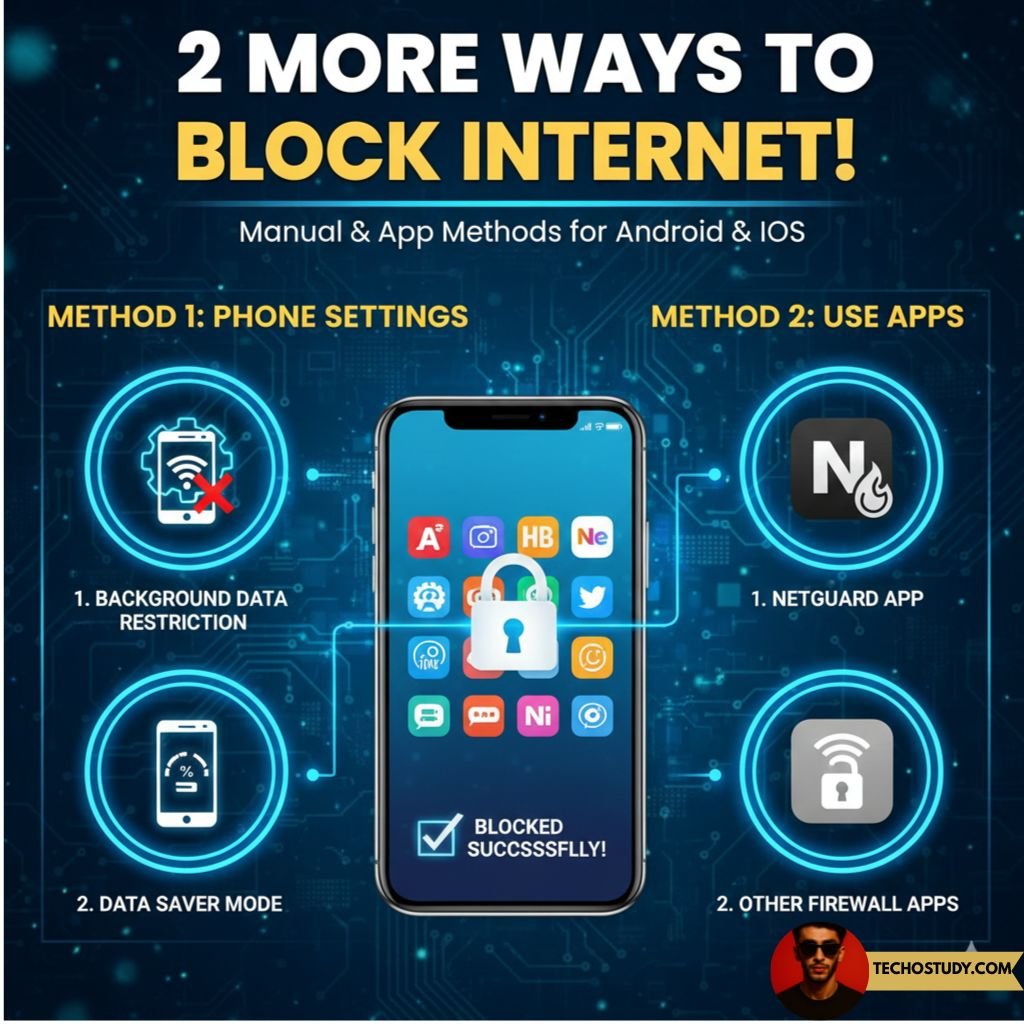
Now in the first method, you do not need any kind of application, this is a built-in feature in Android mobiles and if you have an Android mobile, you can also turn off the internet of any third-party application by making these settings in your mobile.
- First of all, go to the settings of your mobile, go to the Internet and network settings and there you will find the option of data usage, click on it.
- Click on the option of mobile data usage.
- Now select the application that you want to restrict.
- There you will get the option of Turn off background data, click on it and there will be the option of night work access, click on it.
- Now after doing this, the mobile data of the application you selected will be closed for background process.
Method no 2 Data Sever Method
In the second method, we use Data Saver. After activating Data Saver, you can turn off the background data usage of any application on your mobile device.
- For this, first go to Settings, go to Network option and click on Data Saver option.
- Then click on Turn on Data Saver option.
- Now click on the Undirected Data Access option and enable only those apps whose background data you want to keep enabled. Disable all other applications.
- After doing this, all other applications will not be able to use your mobile data in the background and you can turn off any particle and application data for the background.
Third method use of Application
In the third feature, we use some applications, by using which you can turn off the internet of any particular application, among the recommended and safe applications, Net Guard is considered the best application. You can install it on your mobile from the Play Store. After opening the application, click on the Enable Firewall option. After that, a Wi-Fi icon will be created in front of each application. Deselect the application whose Wi-Fi or internet you want to turn off. Your mobile’s internet will be turned off for that application.
For Samsung Mobiles
Now if you are using Samsung mobile or Xiaomi mobile or Infinix and Vivo phones then the settings are going to be a little different for you. If you are using Samsung mobile then first open the settings by clicking on the Connections option and then click on the Data Usage option. Here click on the Mobile Data Usage option and select the application whose internet you want to turn off and there select Disable Background Data. In this way, you can close the background data of any application in Samsung mobile.
For Xiaomi Mobile
If you are using a Xiaomimobile, then click on the Security app option, click on the Data usage option, click on the Restrict data usage option, and there click on the Deselect Wi-Fi Mobile for Any App option, and select the application for which you want to close the background data.
For Infinix and techno mobiles
If you are using a Tecno or Infinix mobile, then you will get the Phone Master option. Click on it and click on the Data Master option. By clicking on the App Network Control option, you can select the applications whose Wi-Fi or Internet you want to turn off, after which the Internet of these applications will be turned off in your mobile.
Temporary Airplane Method
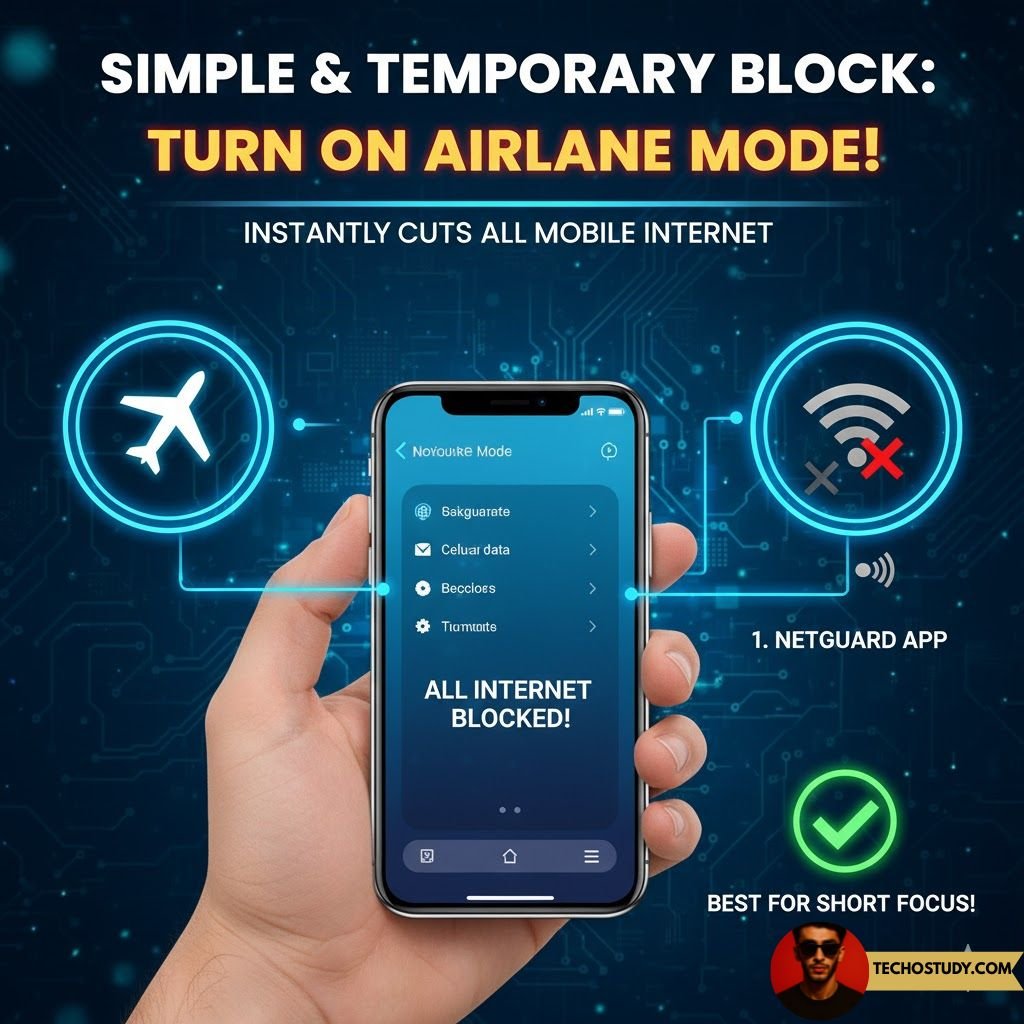
Now in Method 4, you can temporarily disable the mobile data or network of all applications. In this method, you can temporarily block the mobile data or Wi-Fi of all applications. As long as Airplane Mode remains on, your mobile data will remain off. If you are doing this process to avoid distractions, etc., then Airplane Mode will be the best option.
Bonus Tip
If you were going to do this process to save your mobile data, then here is a bonus tip for you that you can close the auto-updates of the Play Store, which also consume a lot of mobile data in the background, so to avoid this, close the auto-updates and update any application manually whenever it is needed.
Final Words
In the above article, I have told you many methods by which you can turn off the internet of any particular application in your mobile. Through all these methods, you can turn off the internet of any party and application of any Android phone, whether you have a Samsung mobile, Infinix or Tecno mobile or any other company’s mobile. If you are an Android user, then you can easily turn off the internet of any particular application using this method.
Peoples Also Ask
How to block internet for specific apps?
If you want to block internet access for any specific application, then you can follow the steps above, through which you can block internet access for any specific application.
- First of all, go to the settings of your mobile, go to the Internet and network settings and there you will find the option of data usage, click on it.
- Click on the option of mobile data usage.
- Now select the application that you want to restrict.
- There you will get the option of Turn off background data, click on it and there will be the option of night work access, click on it.
- Now after doing this, the mobile data of the application you selected will be closed for background process.
How do I turn off data for only one app?
If you want to turn off data for a single application, you can apply any of the three methods, but it will be better if you use the NetGuard application.
How do I disable mobile data for YouTube?
If you only want to turn off YouTube’s mobile data, then you can apply any of the first three methods above, where the first, second, and third three methods will be effective in Disable your mobile data for YouTube.